Guide
Your BMS vendor has disappeared. Now what?
What to do when the company that installed your building management system is no longer around, and how to regain control of it.
· 1 min read
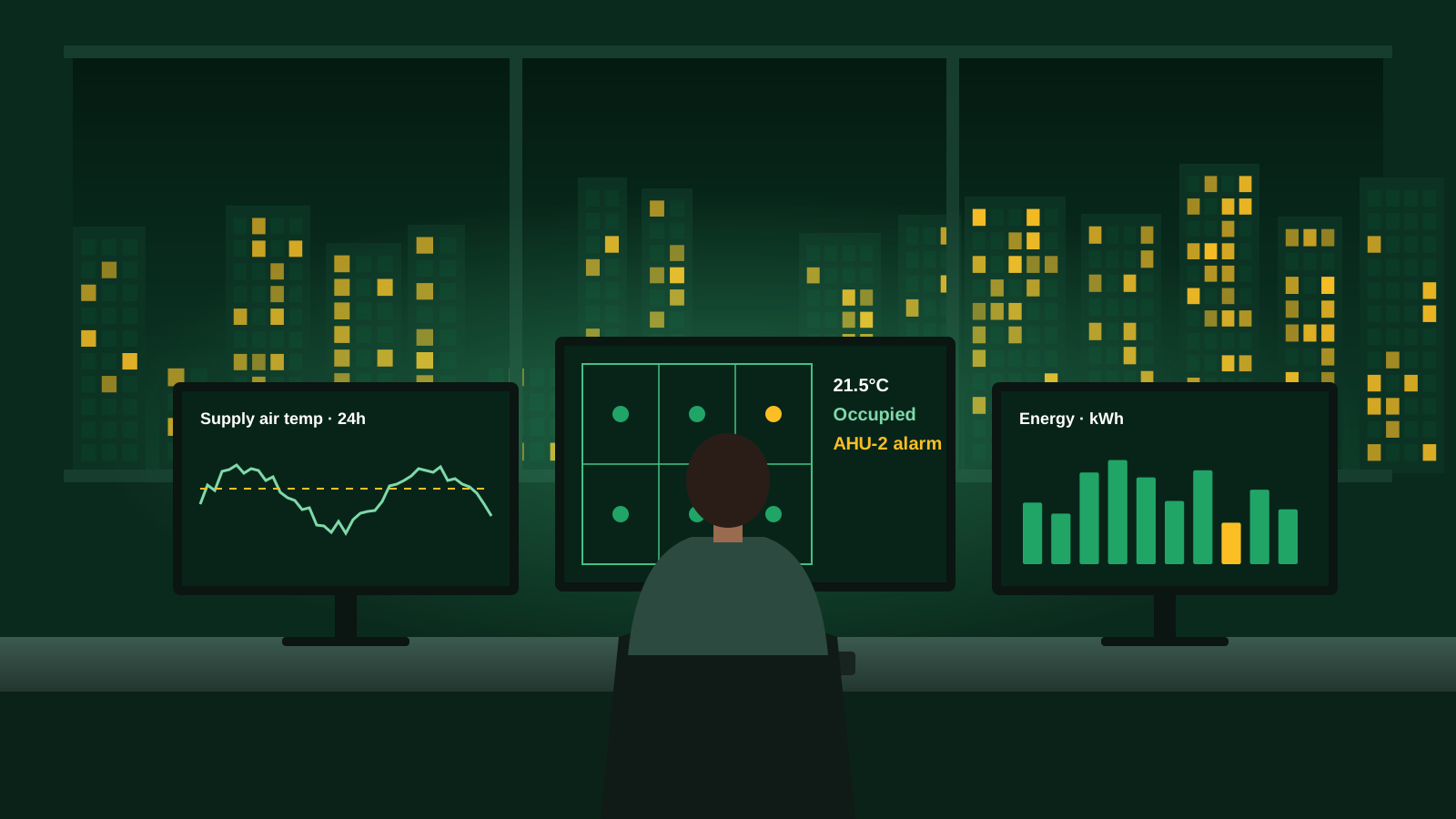
It happens more often than you'd think. The contractor who installed your BMS has closed, been acquired or simply stopped responding. You still have a building to run, and nobody seems to know how the system is set up.
First, find out what you have
- Identify the manufacturer, controller models and head-end software.
- Locate any existing documentation: points lists, functional descriptions, drawings and network details.
- Find out who holds the passwords and software licences.
- Take a full backup of the current programming and database before anything changes.
Common roadblocks
Proprietary systems may need licensed engineering software or dealer access that isn't available to everyone. Passwords may be unknown. Programming may be undocumented, or inconsistent with the plant as it now exists.
None of these are unusual, and most can be worked through with experience across different manufacturers.
Regaining control
Once the system is understood, you have options: continue with the existing platform under a new maintenance arrangement, integrate it into an open platform, or plan a staged migration. Whichever you choose, insist on documentation and backups that you own, so you're never in the same position again.
Avoiding it next time
Make handover documentation, software backups, licences and passwords a contractual requirement. Keep a current points list and functional description. Choose open protocols where practical, so you're not locked into a single supplier.